Keep It Together

College can get overwhelming. KIT helps you stay organized, manage your time effectively, and keep everything in balance.

DOWNLOAD NOW

Let's talk about KIT

KIT (Keep It Together) is designed to simplify the busy lives of college students by bringing everything into one place. From tracking bills and managing class schedules to organizing assignments and work shifts, KIT helps you stay on top of it all without the stress. It’s built to keep your priorities clear and your time organized, making it easier to balance school, work, and everything in between.

The app focused on helping college students get their lives together.

At some point, everyone hits that moment where everything piles up, assignments due at the same time, work shifts overlapping, bills coming in, and your schedule feeling completely out of control. It’s not about being unorganized, it’s just real life as a college student. Trying to balance it all can get overwhelming fast, and it’s easy to feel like you’re always one step behind. That’s exactly the kind of situation KIT is made for, to help bring everything back into focus and make life feel manageable again.
What is cool about KIT?

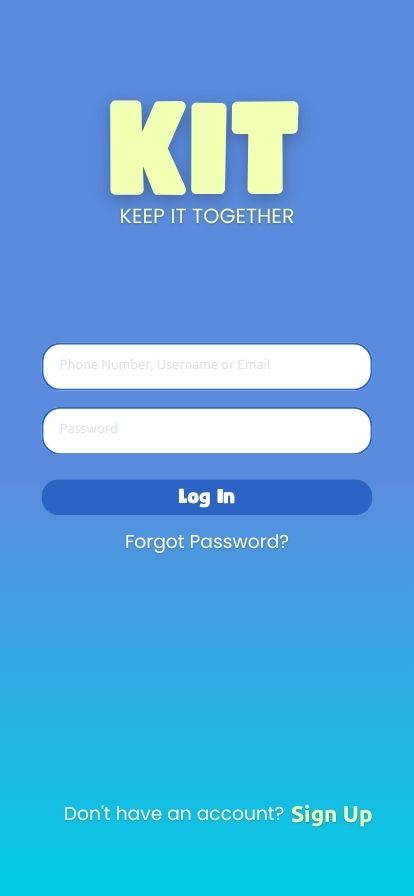
Easy & Free Sign Up

Getting started with KIT is quick, easy, and completely free. The sign up process is simple, so you can create an account and jump right in without any hassle. No complicated steps and no hidden fees, just a smooth start to getting your schedule organized.

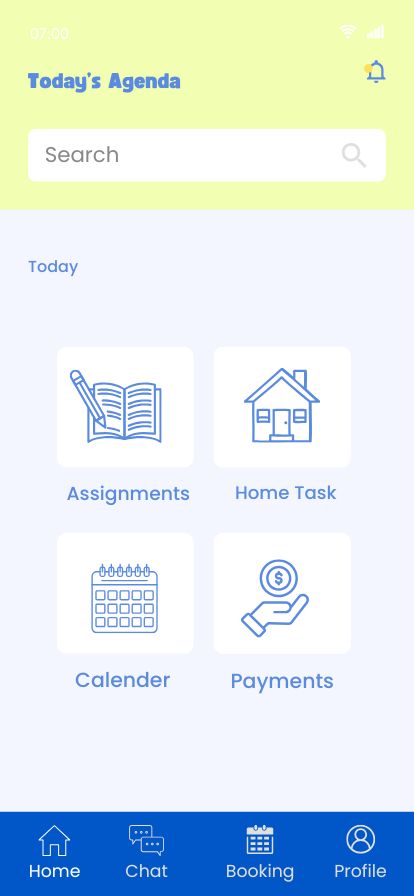
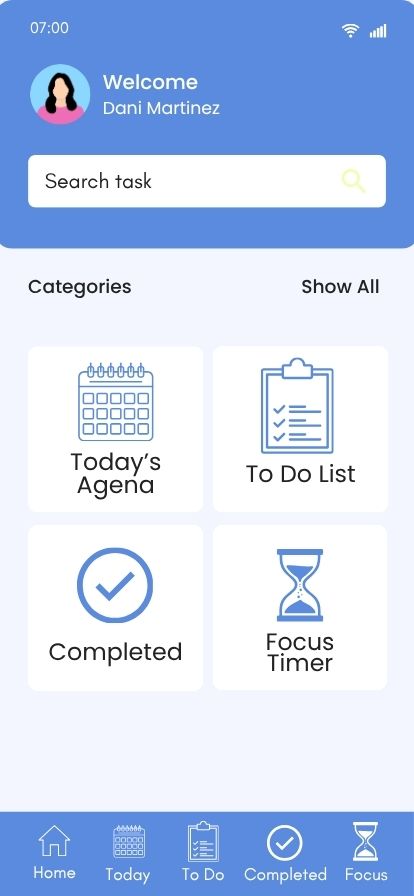
Clean Homepage that is easy to navigate

The KIT home screen is designed to keep everything clear and easy to navigate. It brings together your schedule, tasks, and priorities in one place, so you can quickly see what needs your attention. With a clean layout and simple design, it helps you stay organized and focused without feeling overwhelmed.

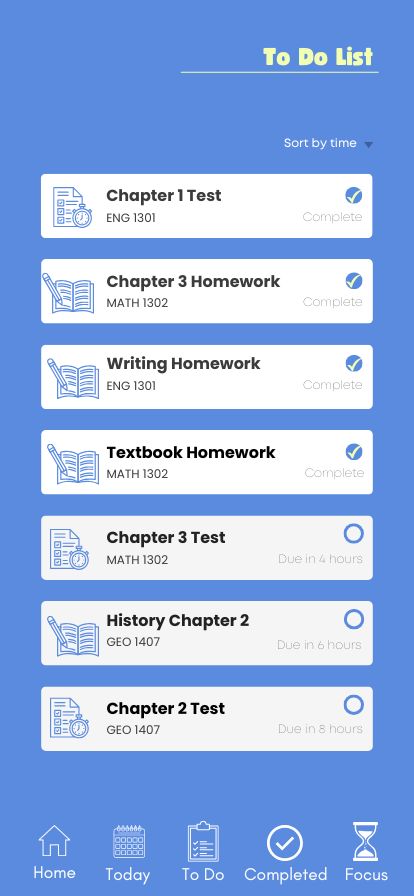
To Do List

The KIT to do list screen helps you stay on top of everything you need to get done. You can easily add tasks, organize them by priority, and check them off as you go. It’s simple, clear, and built to keep you focused so nothing slips through the cracks.

Today's Agenda

The Today’s Agenda screen gives you a clear view of everything you have planned for the day. It brings together your classes, tasks, and commitments in one place so you know exactly what’s coming up. With a simple, organized layout, it helps you stay focused and move through your day with confidence.

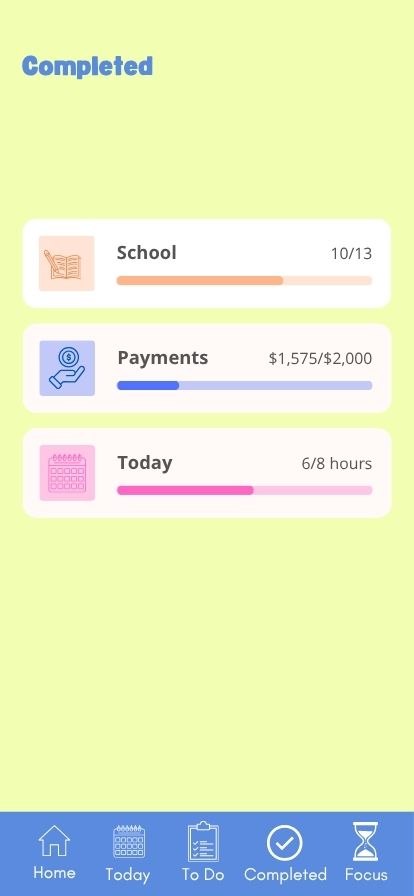
Completed

The Completed screen lets you see everything you’ve finished in one place. It’s a simple way to track your progress and stay motivated as you check off tasks and reach your goals. Seeing what you’ve accomplished helps keep you focused and moving forward.

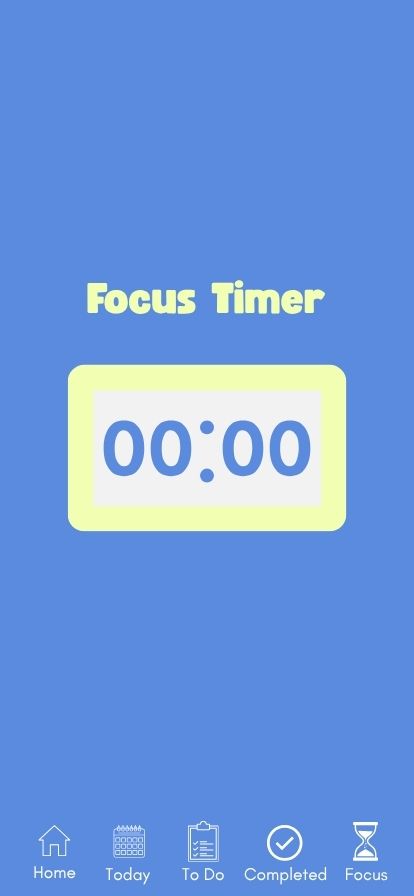
Focus Timer

The Focus Timer helps you stay on track when you need to get things done. It gives you dedicated time blocks to concentrate without distractions, making it easier to stay productive and manage your time. It’s a simple tool to help you stay focused and make the most of your study sessions.